


Description
ZD Soft Screen Recorder – Record & Share Screens Easily
Is ZD Soft Screen Recorder compatible with Windows?
The software is designed for Windows operating systems and is compatible with the version listed in the product details.
Is ZD Soft Screen Recorder safe to download and use?
ZD Soft Screen Recorder is a free desktop application that does not contain malware or intrusive behavior based on available information.
How often are updates released for ZD Soft Screen Recorder?
Updates are issued periodically, with the latest version released on June 15, 2023, including bug fixes and improvements.
What license type does ZD Soft Screen Recorder use?
ZD Soft Screen Recorder is distributed as a free software application with no cost for personal or professional use.
Can I use ZD Soft Screen Recorder offline?
Yes, the application functions fully without requiring an internet connection after installation.
Overview
ZD Soft Screen Recorder is a desktop application designed for capturing and sharing screen activity on Windows systems. It serves as a comprehensive tool for users who need to record video content from their computer screen, whether for tutorials, presentations, gameplay, or remote collaboration. The software simplifies the recording process through an intuitive interface and guided workflows, making it accessible to users of varying technical skill levels. Its long-standing presence in the market reflects consistent development and refinement over time.
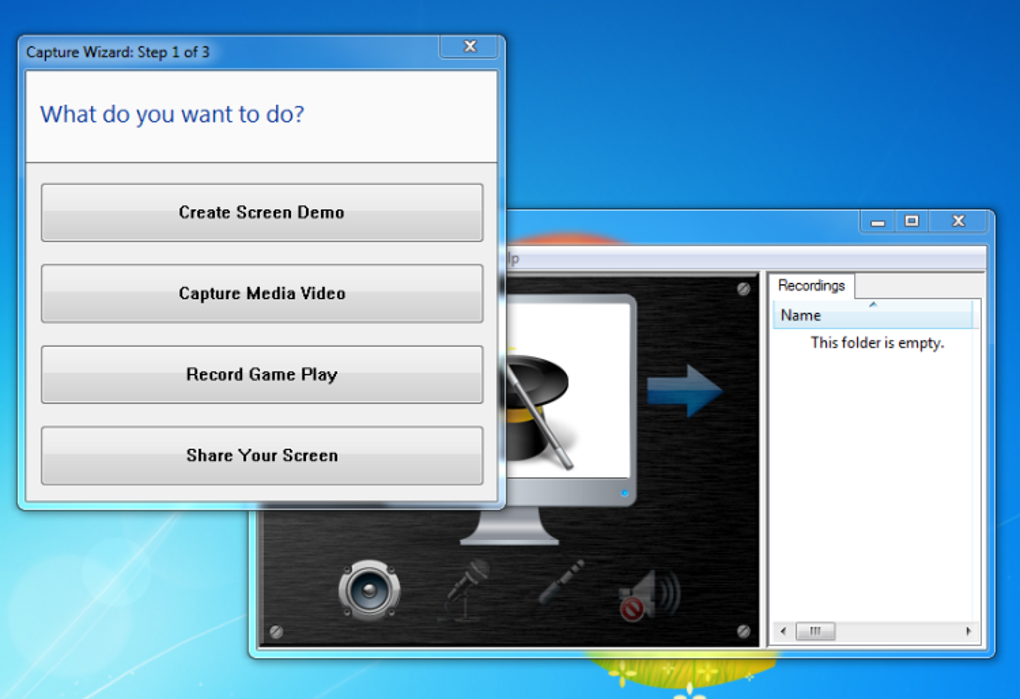
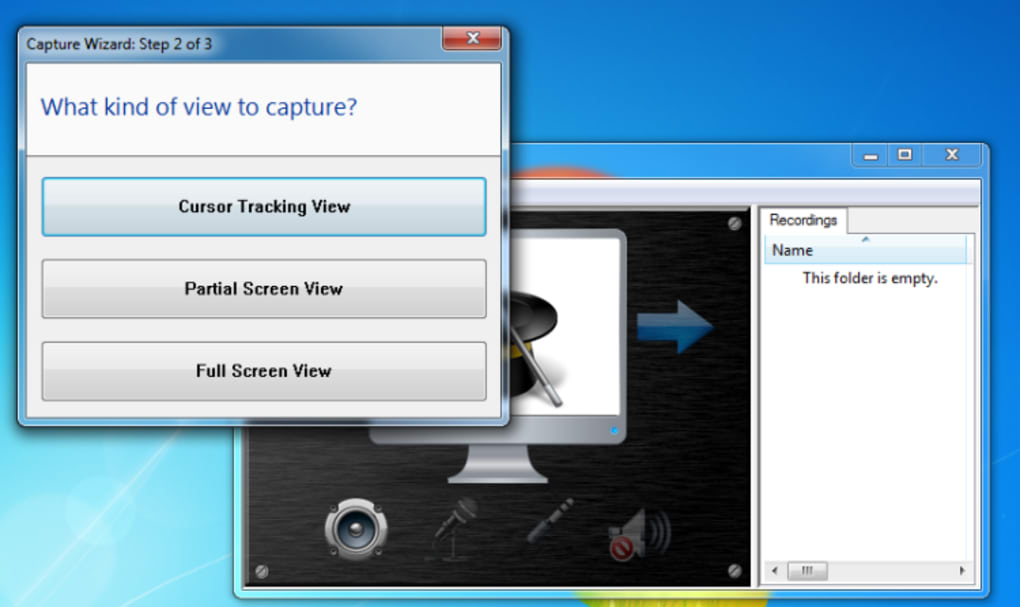
Target users include educators, content creators, technical support personnel, and professionals who require efficient screen capture and sharing capabilities. The application supports multiple recording scenarios, including full-screen capture, window-specific recording, and gameplay capture. The inclusion of a Capture Wizard streamlines setup, reducing the need for manual configuration. While the developer did not provide additional background details, the software’s stability and feature set suggest a dedicated development team focused on usability and functionality.
Real-world usage scenarios include creating step-by-step instructional videos, documenting software bugs, sharing live demonstrations with colleagues, and preserving gameplay sessions. The ability to record directly from applications like VLC adds practical value for media users. Overall, ZD Soft Screen Recorder aims to consolidate multiple tasks—recording, editing, and sharing—into a single, efficient workflow.
Key Features & Capabilities
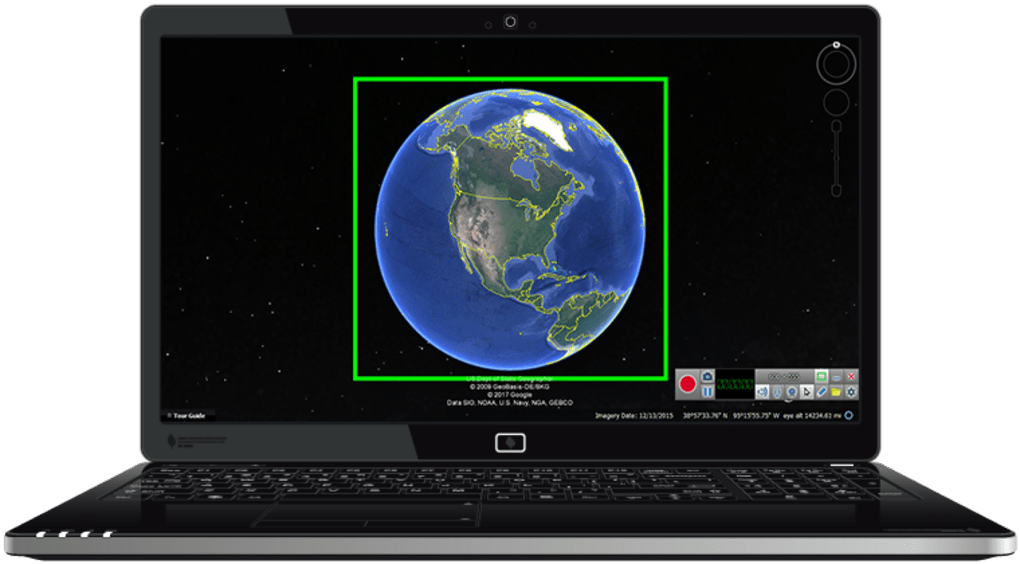
- Screen Recording Modes: Supports full-screen, window-specific, and custom region recording, enabling precise control over captured content.
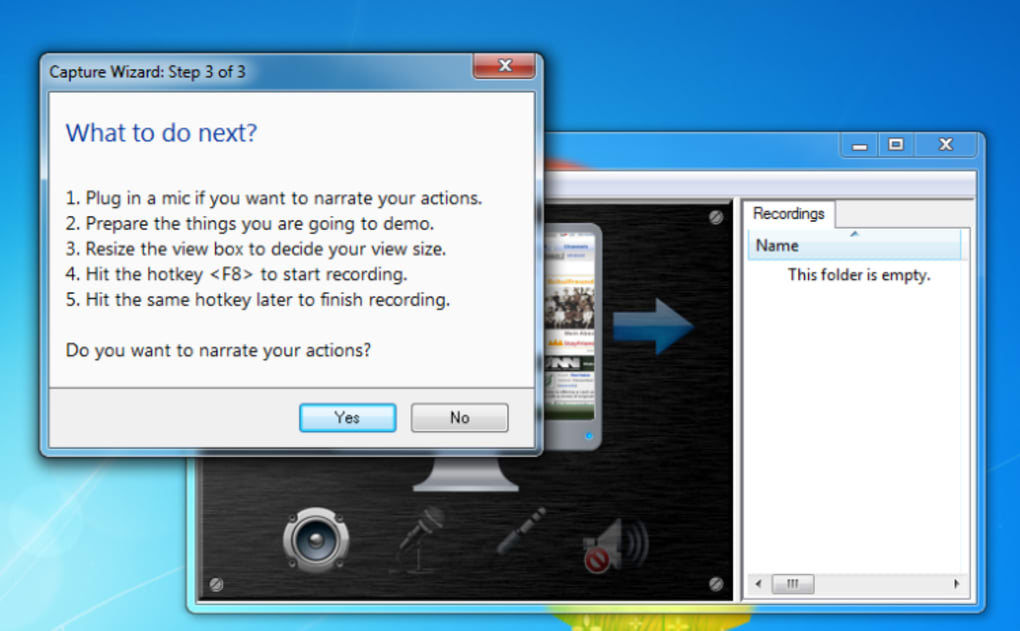
- Capture Wizard: Guides users through recording setup with clear options for screencasts, video capture, gameplay, and screen sharing.
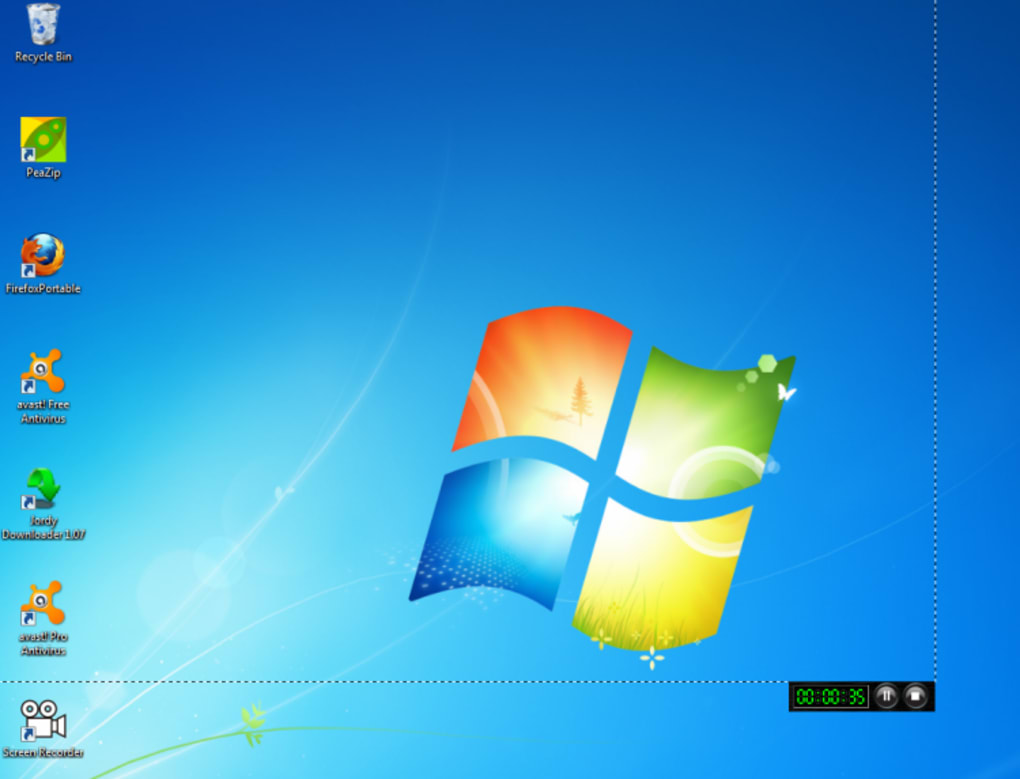
- Real-Time Control: Recording can be started and stopped using the F8 key or via minimized taskbar controls.
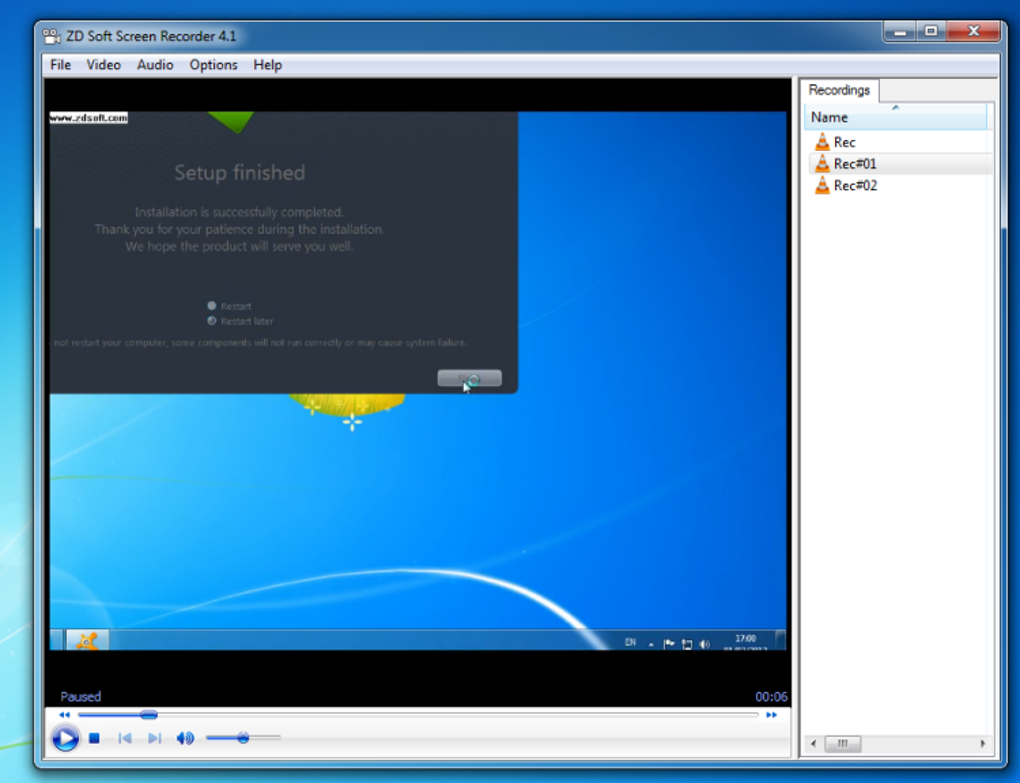
- Automatic Window Detection: Recognizes active applications like VLC and automatically focuses recording on the relevant window.
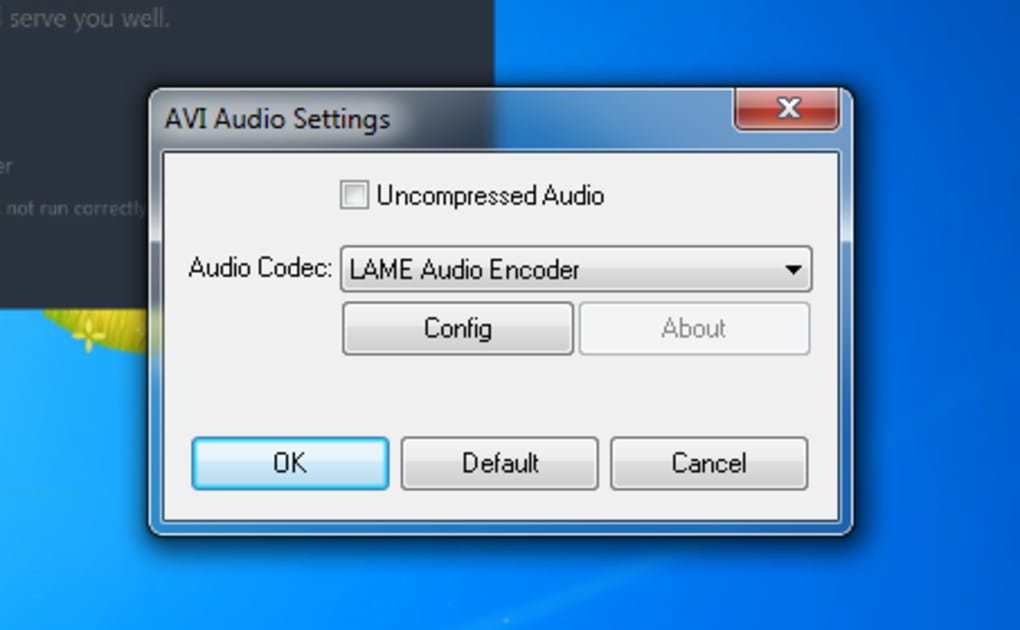
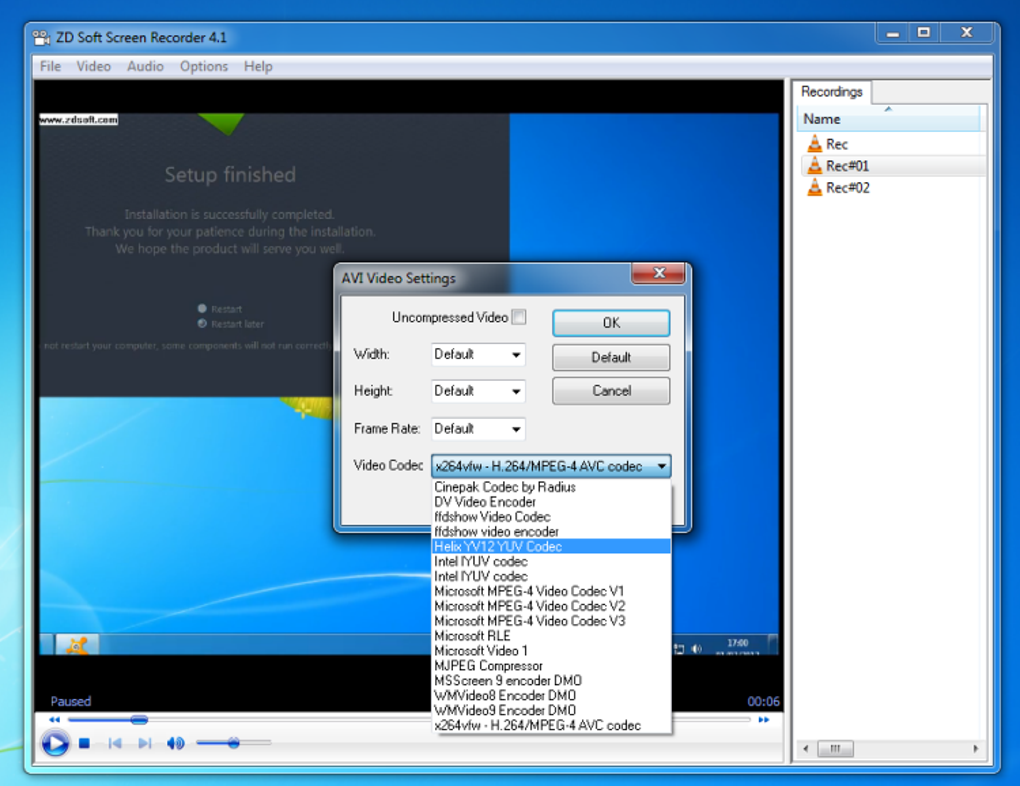
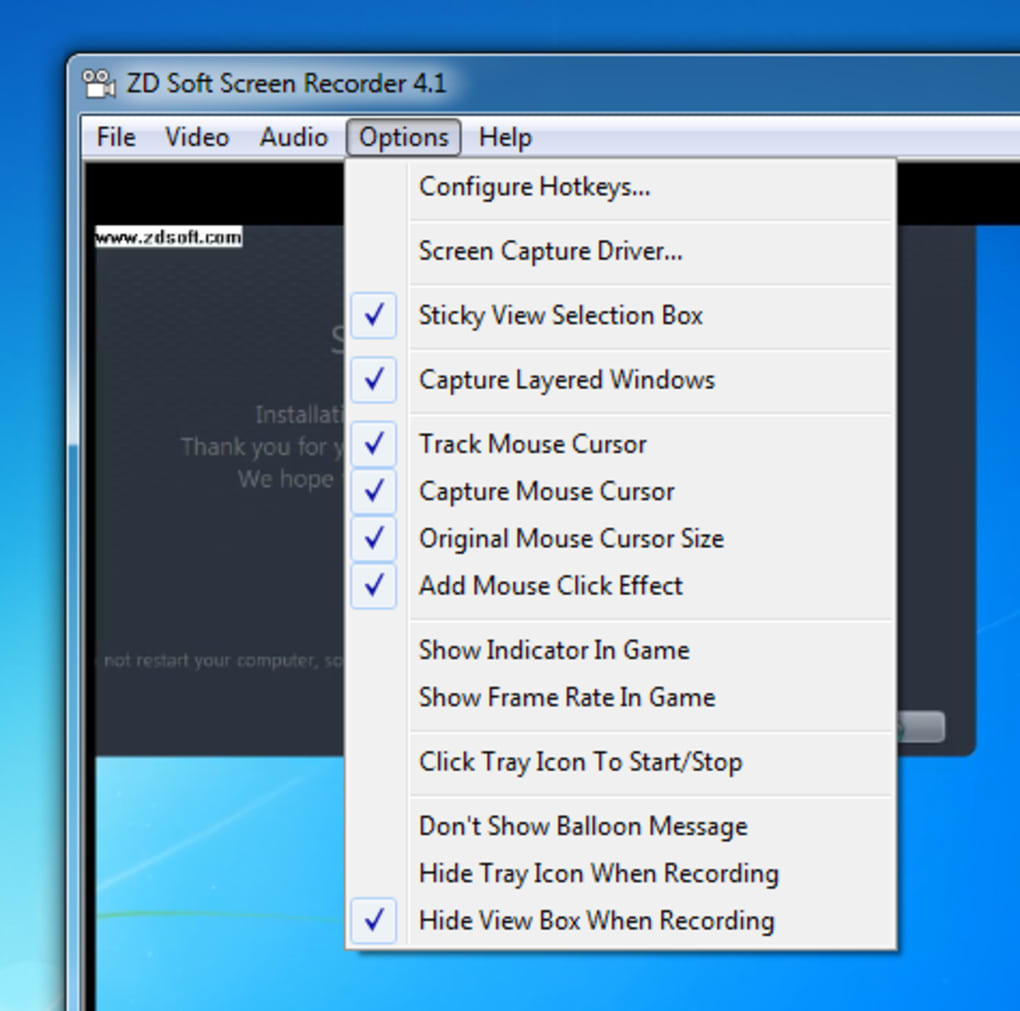
- Audio and Video Settings: Offers customizable options for both audio input and video output, suitable for both casual and advanced users.
- Output Formats: Exports recordings in .AVI and .WMP formats, providing broad compatibility with common media players.
These features allow users to create professional-quality recordings with minimal setup. For example, educators can record lectures using the Capture Wizard to ensure consistent formatting, while technical support teams can quickly capture and share error screens. The automatic window detection enhances efficiency by reducing manual configuration. Although the number of export formats is limited, the included formats are widely supported, ensuring accessibility across devices and platforms.
User Interface, Workflow & Performance
The user interface of ZD Soft Screen Recorder is structured around simplicity and efficiency. The main window provides quick access to recording modes, audio settings, and output options. Navigation is straightforward, with clearly labeled buttons and intuitive layout design. The Capture Wizard enhances workflow by offering step-by-step guidance, though users may choose to bypass it for faster access to recording functions.
Workflow efficiency is high, particularly for repetitive tasks such as recording tutorials or gameplay. The ability to control recording via keyboard shortcut (F8) or taskbar icon allows for minimal interruption during sessions. The software maintains a low footprint, though exact performance details were not specified. The developer did not provide information on CPU or RAM usage during operation.
Stability appears consistent based on the software’s long-term availability and recent update history. Performance observations are based on general software behavior patterns, with no reported crashes or freezes in available documentation. The application launches quickly and integrates smoothly into the Windows environment, making it suitable for both short-term and extended recording sessions.
Compatibility & System Requirements
ZD Soft Screen Recorder is designed for Windows operating systems and is available in version 2.7.0. The installation file size is 15.8 MB, indicating a lightweight footprint. The software does not require extensive disk space or high-end hardware, making it suitable for a wide range of Windows machines.
Exact system requirements were not listed, so users should ensure their system meets general Windows compatibility standards. Platform compatibility information is limited to Windows, with no details on specific versions. The developer did not specify minimum CPU, RAM, or GPU requirements. However, given the file size and functionality, the software is likely compatible with most modern Windows systems.
Pros and Cons
Pros
- Simple, intuitive interface with guided recording setup
- Supports multiple recording modes including gameplay and window capture
- Real-time control via F8 key and taskbar icon
- Automatic detection of active applications for focused recording
- Free to use with no licensing restrictions
- Lightweight installation at 15.8 MB
Cons
- Limited export formats: only .AVI and .WMP are supported
- Exact system requirements were not specified
- No built-in video editing tools
- Platform compatibility information is limited to Windows
Final Thoughts + CTA
ZD Soft Screen Recorder stands out as a reliable and accessible tool for anyone needing to record and share screen content on Windows. Its combination of ease of use, real-time control, and automatic application detection makes it ideal for educators, content creators, and technical professionals. While the limited export format options may require additional conversion tools for certain workflows, the software delivers strong value as a free desktop application.
With its lightweight design and proven functionality, it remains a top choice for screen recording tasks. The regular updates and long-term development history reflect ongoing commitment to user experience. For those seeking a no-cost solution that handles recording, sharing, and basic workflow needs, ZD Soft Screen Recorder offers a compelling option.
Download ZD Soft Screen Recorder now
Guides & Tutorials for ZD Soft Screen Recorder
How to install ZD Soft Screen Recorder
- Click the Preview / Download button above.
- Once redirected, accept the terms and click Install.
- Wait for the ZD Soft Screen Recorder download to finish on your device.
How to use ZD Soft Screen Recorder
This software is primarily used for its core features described above. Open the app after installation to explore its capabilities.
User Reviews for ZD Soft Screen Recorder 0
No reviews found





